
❌

Reading view

App Tracking Transparency still under fire from German publishers

German publishers hope that Apple will be hit with fines and forced to change App Tracking Transparency rules after an antitrust investigation. The feature allegedly favors Apple's apps.
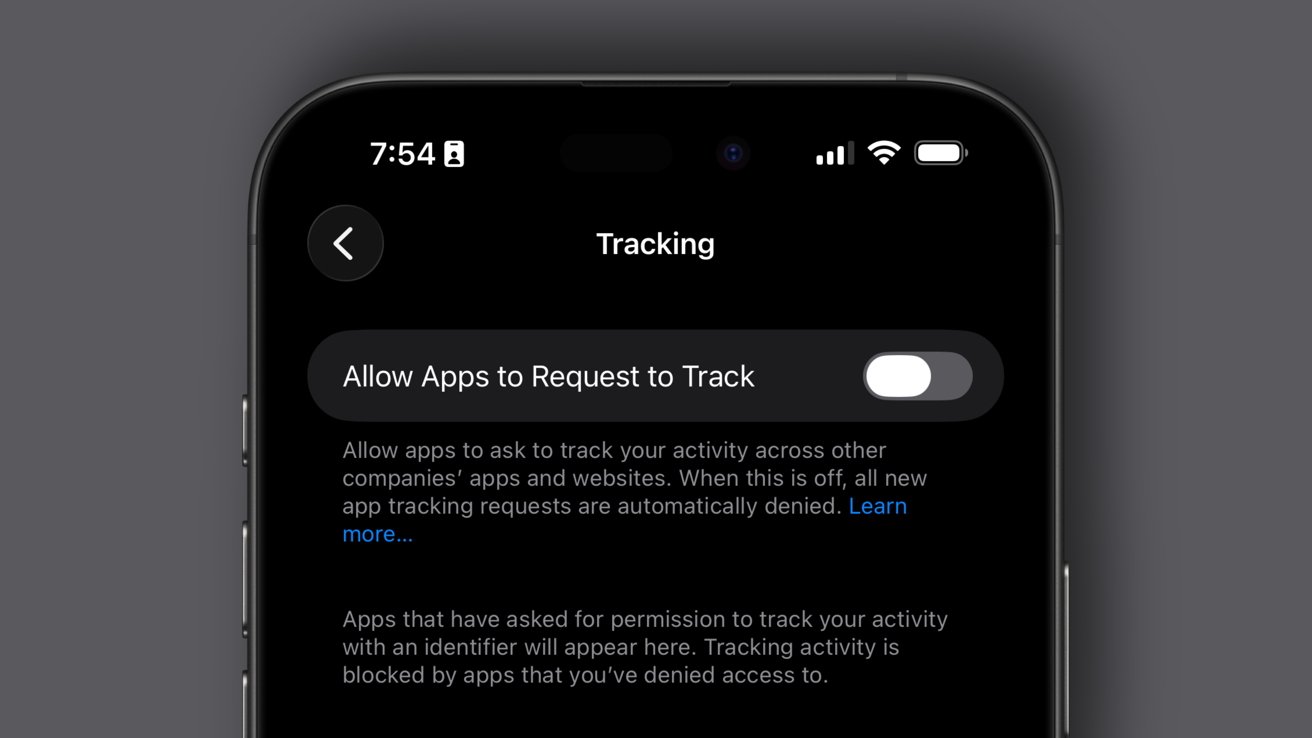
iPhone screen showing Tracking settings with Allow Apps to Request to Track toggle switched off, explanatory text below, dark mode interface, and status bar time and icons at top
App Tracking Transparency

The German Association of the Branded Goods Industry and various other groups are appealing to the German antitrust regulators. In December, the Bundeskartellamt, Germany's federal antitrust authority, announced a review of Apple's App Tracking Transparency features.

According to a report from Reuters, the various German groups say Apple's proposed changes to App Tracking Transparency don't address the issues in the mobile advertising market. Apple had proposed more neutral language for its prompts and an easier process for developers requesting permission to use advertising data.


Continue Reading on AppleInsider | Discuss on our Forums
How to add an email account to Apple Mail on Mac or iOS

For many, the best email app is the one that came on your iPhone, Apple's own Mail app. To get the most use out of the Mail app, you can set it up to have all of your email accounts and addresses in one place in it.

The mail app logo over a green/brown background, blurry text is in the background
To keep all of your emails in one place, you'll have to make some additions

Whether it be on your Mac or your iPhone, the process of adding an email account to Apple Mail is quick and painless. And, most importantly, it will make sifting through your emails that much simpler.

That's because once you have added two or more email accounts to the Mail app, you have a choice of how to read them. You can go separately into each one or click on the overall inbox to see all messages from all accounts, right there in one place.


Continue Reading on AppleInsider | Discuss on our Forums
Huion Kamvas 22 (Gen 3) drawing tablet review: An excellent entry-level option

The third-generation Huion Kamvas serves as an excellent upgrade to digital artists moving to a pen display for the first time, without breaking the bank.

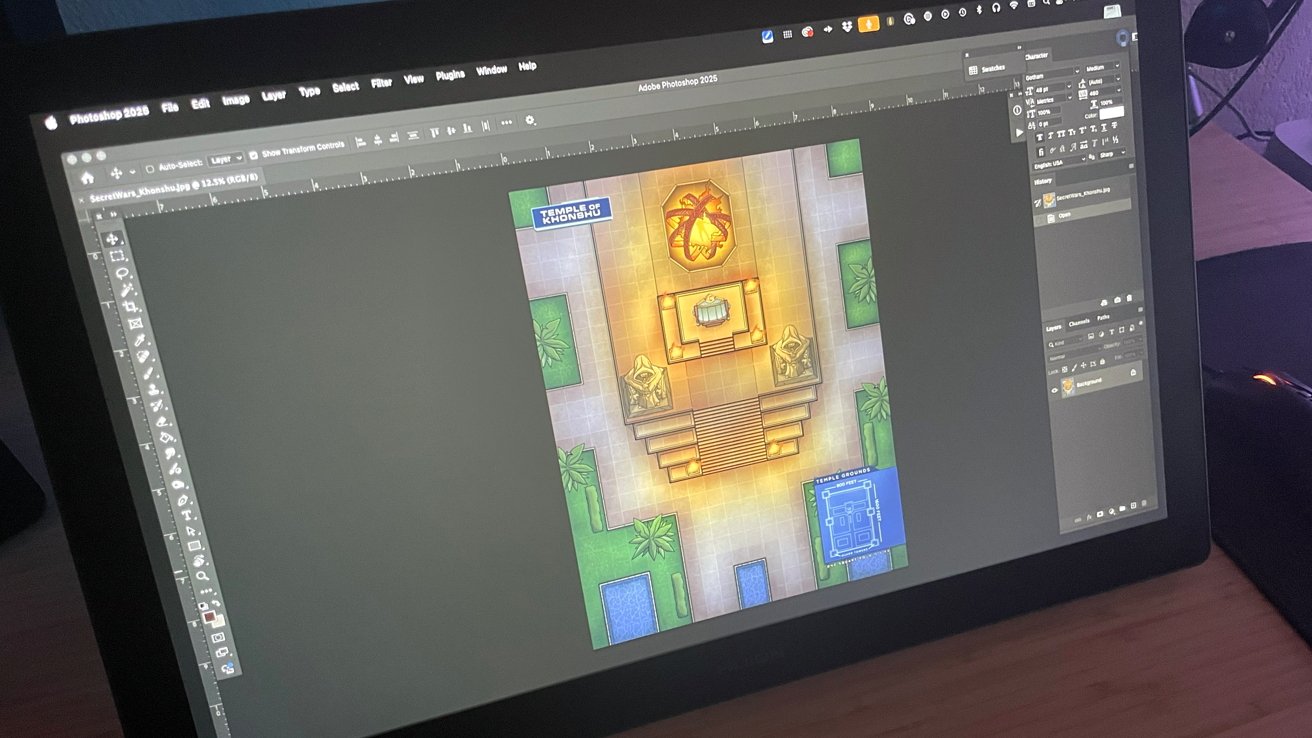
Tablet screen showing Adobe Photoshop with a colorful top-down temple map open, featuring glowing central altar, statues, surrounding greenery, pools, and a small blue floor-plan inset
Huion Kamvas 22 (Gen 3) Review

For digital artists, it is a great time to be looking for hardware.

As a professional cartoonist and cartographer working exclusively in the digital workspace for about two decades, pen display tablets are where I live with my work. As a result, I have used/tested many models, shapes, and sizes in my years.


Continue Reading on AppleInsider | Discuss on our Forums
M5 Pro & M5 Max MacBook Pro review roundup: More of the same, at a higher price

Early reviews of the M5 Pro and M5 Max MacBook Pro models are here, and while the improved performance is good, nobody is a fan of the $200 price increase.

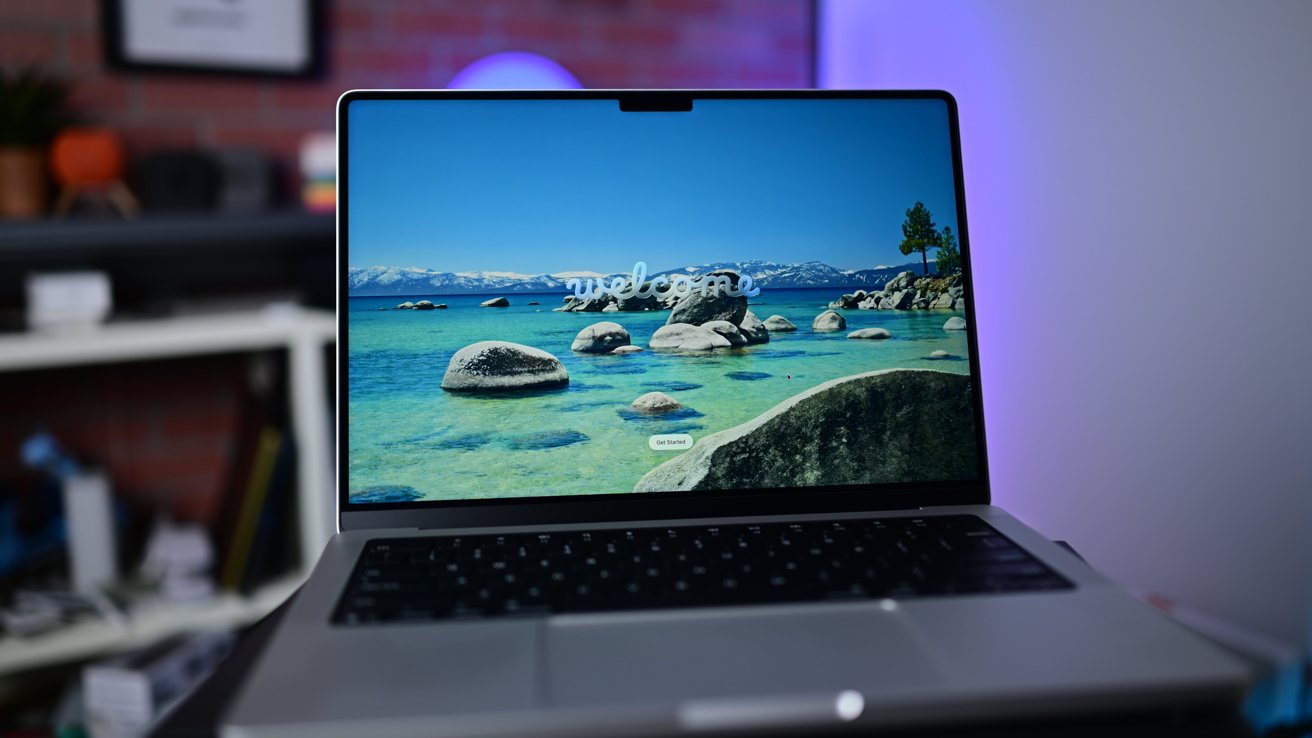
Open laptop on a desk showing a colorful welcome screen with a lake, large rocks, and distant snowy mountains, against a softly lit blurred office background
Early reviews of the M5 Pro and M5 Max MacBook Pro are here.

The M5 Pro and M5 Max versions of the 14-inch MacBook Pro and 16-inch MacBook Pro were announced on March 3, offering better performance. The two laptops are spec bump upgrades, meaning there's effectively no other change, relative to the preceding M4 Pro and M4 Max models.

As a result, most reviews of the new laptop configurations focus largely on the processing hardware, what it can do, and how it performs in various tasks, be they hardware-intensive or not.


Continue Reading on AppleInsider | Discuss on our Forums
Studio Display XDR review roundup: Pro display hardware, with a few caveats

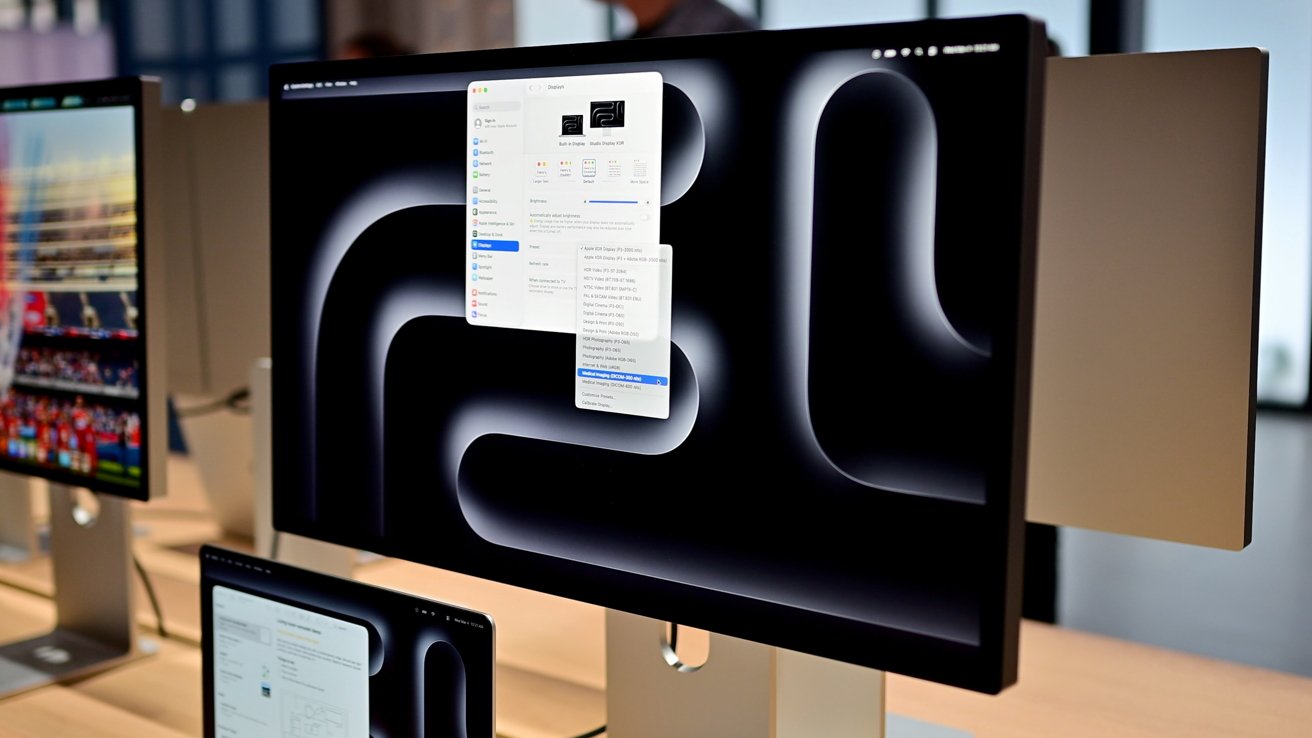
Early reviews of the $3299 Apple Studio Display XDR are here, and while they overwhelmingly praise the hardware, there are a few shared points of criticism.

Large desktop monitor on a desk displaying macOS settings over a dark abstract wallpaper, with another smaller Apple display nearby in a modern, well-lit workspace
Early Apple Studio Display XDR reviews are here.

The Apple Studio Display XDR debuted on March 3, replacing the Apple Pro Display XDR. Reviews of the new high-end external display began appearing on Monday, shortly after the iPhone maker lifted its embargo.

Various publications were quick to higlight the 120Hz refresh rate support and the miniLED backlight of the Apple Studio Display XDR as positive attributes, but there was no shortage of criticism, either.


Continue Reading on AppleInsider | Discuss on our Forums
macOS 26.4 beta 4 lets everyone use the colorful MacBook Neo wallpapers

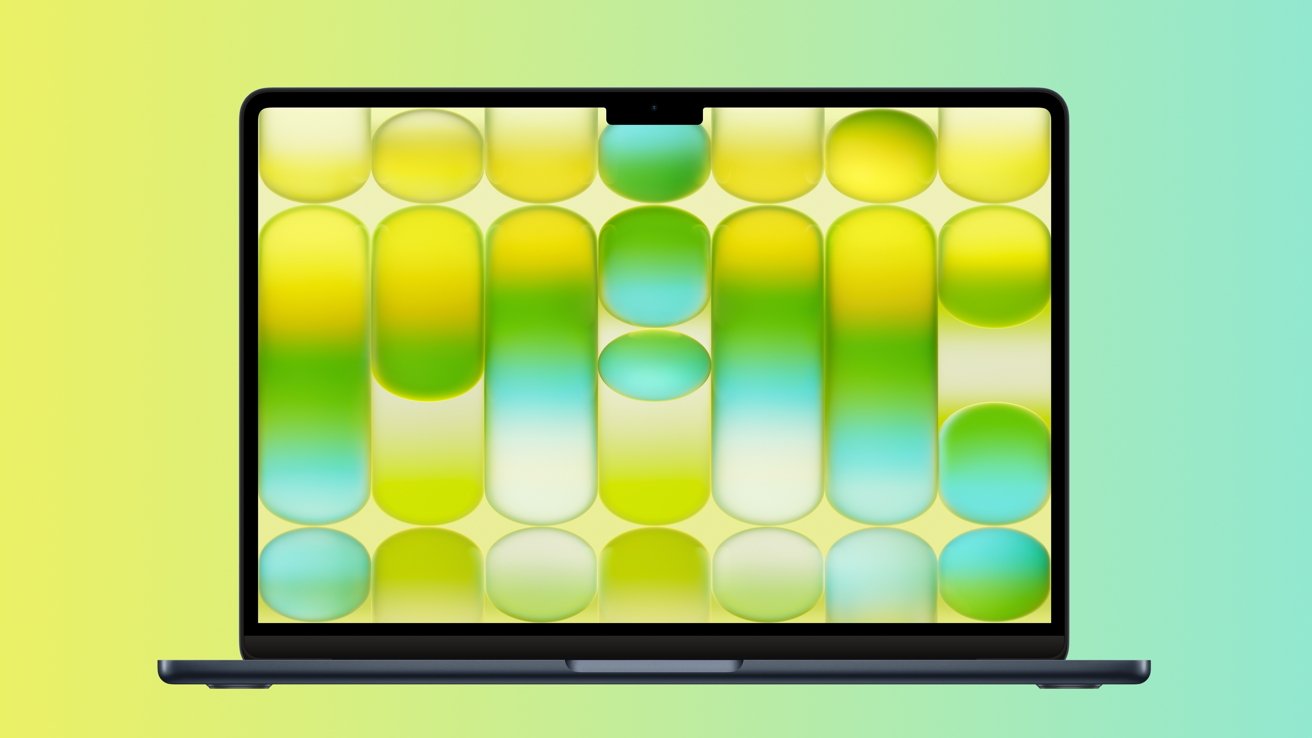
Wallpapers created for the all-new MacBook Neo have now been made available to all macOS Tahoe users, as of macOS 26.4 beta 4.

Open laptop with thin black bezel displaying colorful abstract wallpaper of rounded rectangles in yellow, green, and turquoise gradients against a soft yellow-to-teal gradient background
MacBook Neo wallpapers are now available for all Macs, as of macOS 26.4 beta 4.

On March 4, Apple announced the MacBook Neo, a colorful budget-oriented laptop, powered by an iPhone chip. The low-end Mac is available in four bright color options β€” Blush, Citrus, Indigo, and Silver, each with a matching wallpaper.

The MacBook Neo ships with a special build of macOS 26.3, AppleInsider as predicted. All other Macs will need macOS 26.4 beta 4 to get the wallpapers made for the machine.


Continue Reading on AppleInsider | Discuss on our Forums
Apple's smart home hub delayed again because modernizing Siri is hard

Apple's smart home hub was going to arrive in the spring, but the continued wait for the updated Siri has forced another delay to the end of 2026.

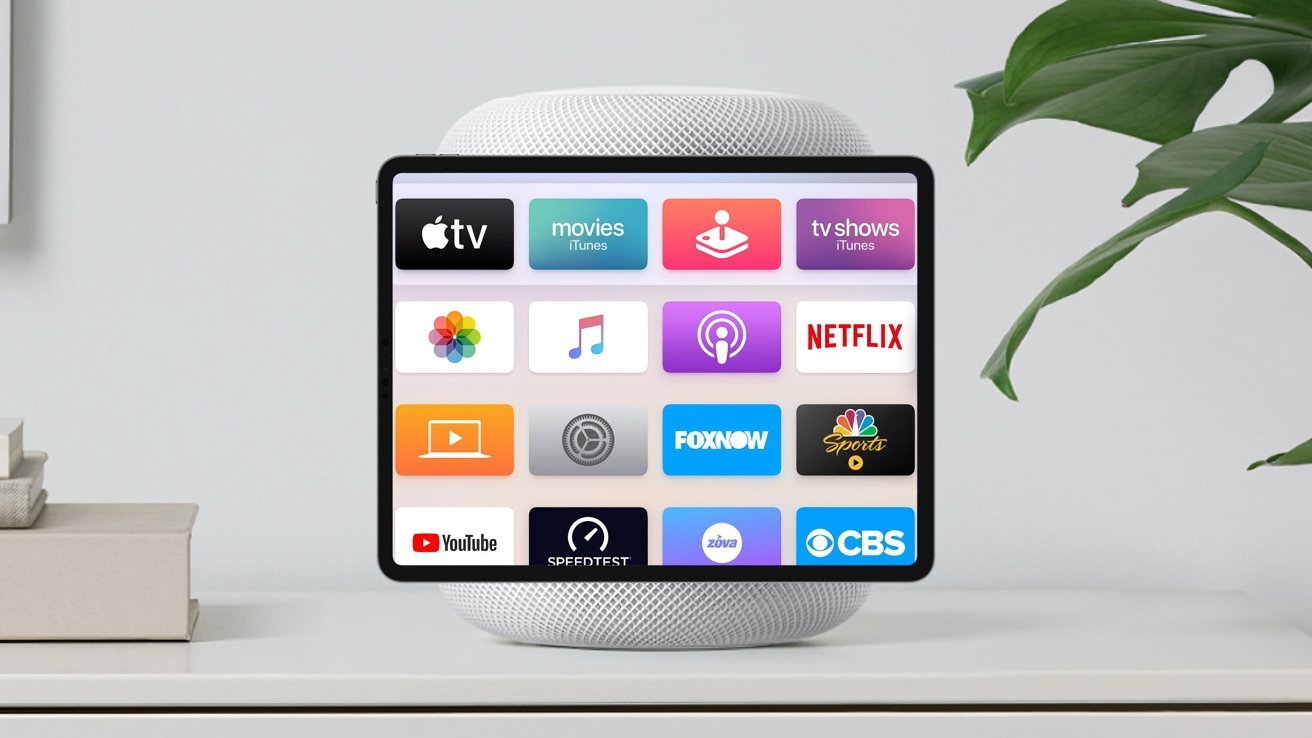
Smart speaker with a tablet-like screen displaying colorful streaming and media app icons, including Apple TV, Netflix, YouTube, and CBS, on a white table beside a green houseplant
An artist's rendition of the Home Hub - Image Credit: AppleInsider

On March 5, a leaker claimed that Apple's smart home device, which we refer to as Home Hub, was doing to launch in late 2026. A new report on Monday has corroborated that rumor, pushing back the plan to update Apple Home to later in the year.

In Monday's post to Bloomberg, Mark Gurman is informed by people with knowledge of the matter that there's a delay affecting the smart home display. That delay is caused by Siri.


Continue Reading on AppleInsider | Discuss on our Forums
Add more ports to the MacBook Neo with these docking stations

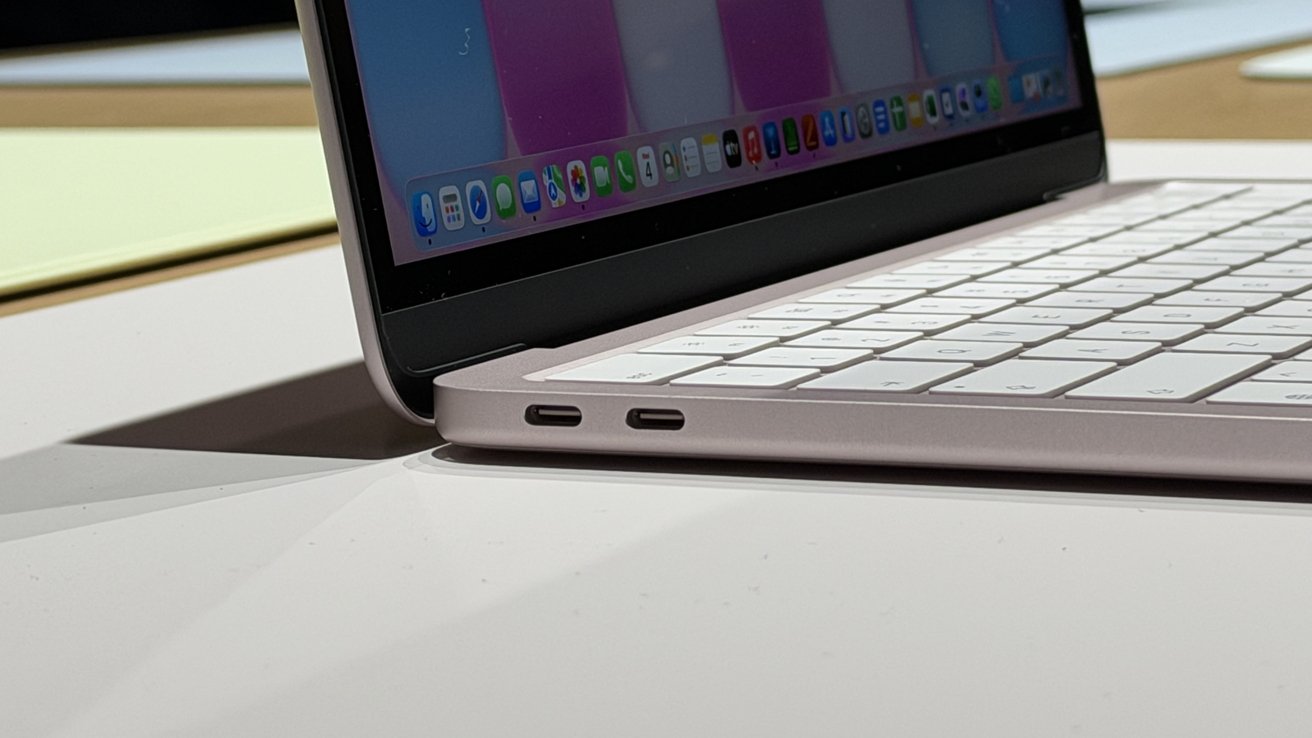
The MacBook Neo keeps things simple with just a couple of ports, which means most desk setups will need a USB-C dock. Here are some of the best MacBook Neo docking stations to expand ports, connect external displays, and power your laptop from a single cable.

Side view of an open slim laptop showing white keyboard, two USB-C ports on the left edge, and colorful app icons on the lower part of the display
MacBook Neo ports

Apple's budget-focused notebook is built around portability and minimalism, but that approach limits how many accessories you can connect at once. Add a monitor, external storage, or wired networking, and the available ports disappear fast.

A USB-C docking station is a great solution for turning a single connection into a full workstation hub. You can choose from compact travel docks to full desktop stations that offer multiple display outputs, extra USB ports, Ethernet, and charging support.


Continue Reading on AppleInsider | Discuss on our Forums

Bigfoot, Orca, a Trombone, and five more new emoji are here with iOS 26.4 beta 4

The fourth developer beta of iOS 26.4 delivers eight new emoji characters, including a treasure chest, a distorted face, and more. Here's what's new.

Collection of colorful emojis: treasure chest, ballerina, jumping orca, trombone, exploding cloud, landslide, walking Bigfoot, and a wide-eyed blushing face centered on a white background
iOS 26.4 beta 4 offers several new emoji characters.

On Monday, a week after the release of iOS 26.4 developer beta 3, Apple unveiled the fourth developer-focused beta of iOS 26.4.

Among other changes, the beta iOS update introduces a new set of fun emoji characters, first previewed in July 2025 with Unicode 17.


Continue Reading on AppleInsider | Discuss on our Forums
Fourth iOS 26.4, macOS 26.4 developer betas arrive for testing

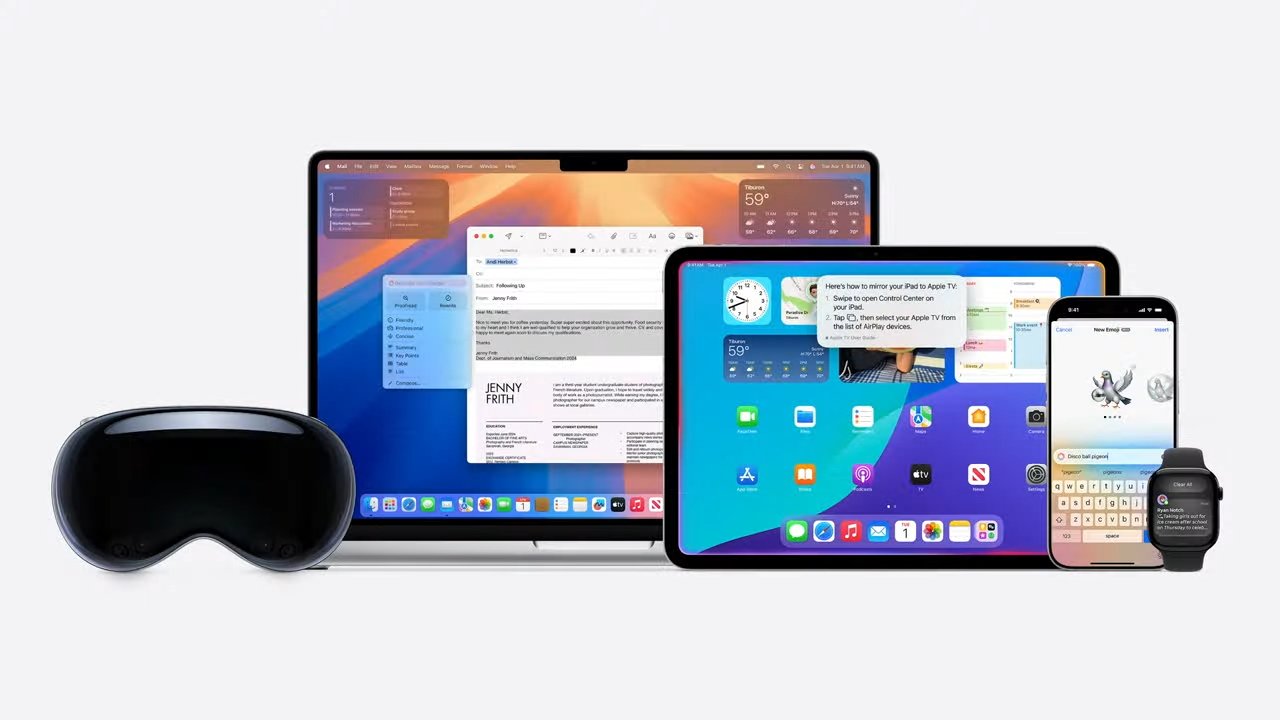
Apple's fourth round of developer betas has arrived, with builds of iOS 26.4, iPadOS 26.4, watchOS 26.4, tvOS 26.4, visionOS 26.4, and macOS Tahoe 26.4 now available for testing.

Various Apple devices including a laptop, tablet, smartphone, smartwatch, and VR headset displayed together on a white background.
Apple's hardware that works with the 26-generation operating systems - Image Credit: Apple

The fourth developer betas for iOS 26.4, iPadOS 26.4, watchOS 26.4, tvOS 26.4, macOS 26.4, and visionOS 26.4 arrive after the third, which landed on March 2 for most, March 3 for macOS. The second round appeared on February 23, and the first round arrived on February 16.

iPhone 18e production is on time, leak predictably claims

Barely a week after the introduction of the iPhone 17e, rumors are already spreading about the iPhone 18e. The cycle begins again.

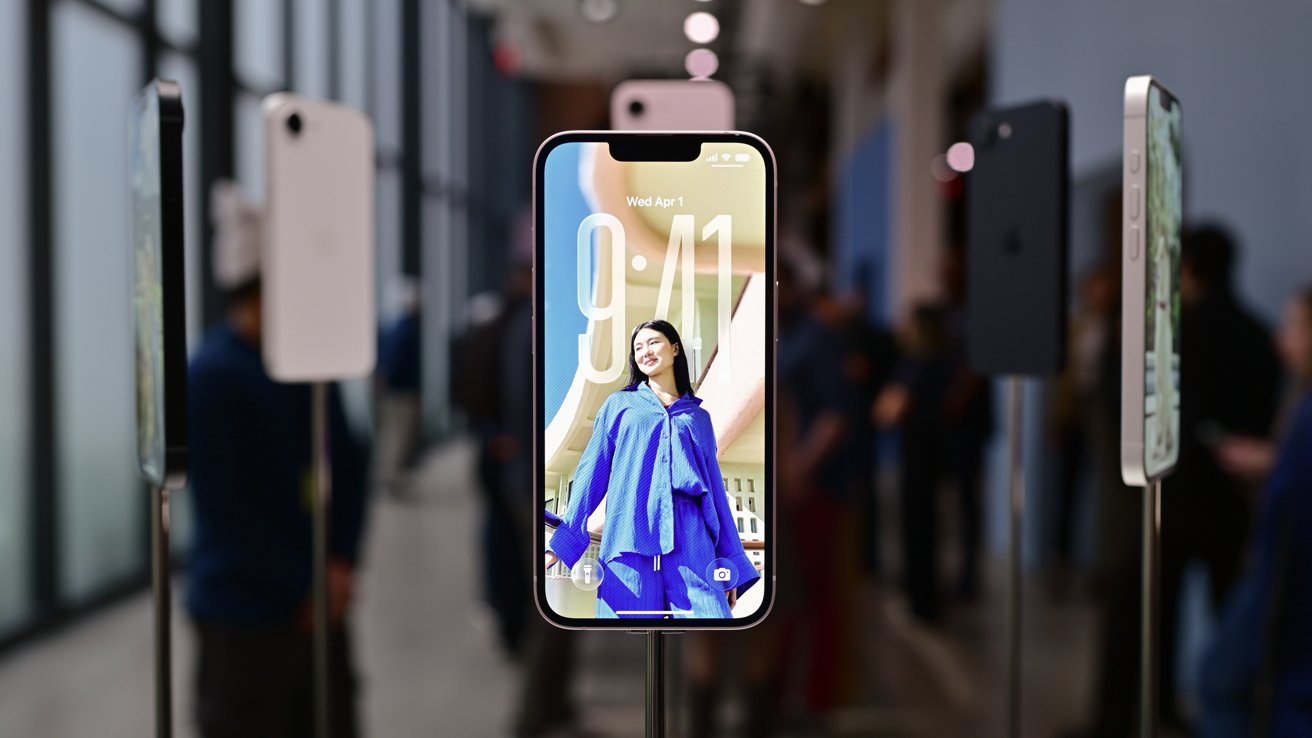
Smartphones on stands in a bright showroom, with a central phone displaying a large lock screen photo of a smiling woman in a blue outfit, background visitors blurred
iPhone 17e

The Apple rumor mill is always looking toward the future, and often speculates on the next update just as everyone recovers from Apple's latest launches. As expected, this has already happened for the iPhone 18e.

In a post to Weibo on Saturday by leaker Fixed Focus Digital, Apple is already working on the iPhone 18e. This is apparently "confirmed" by the leaker, and according to an automated translation of the post, the iPhone 18e is "finalized," whatever that means.


Rumor Score: πŸ€” Possible


Continue Reading on AppleInsider | Discuss on our Forums
Amazon slashes up to $300 off new Apple Studio Display

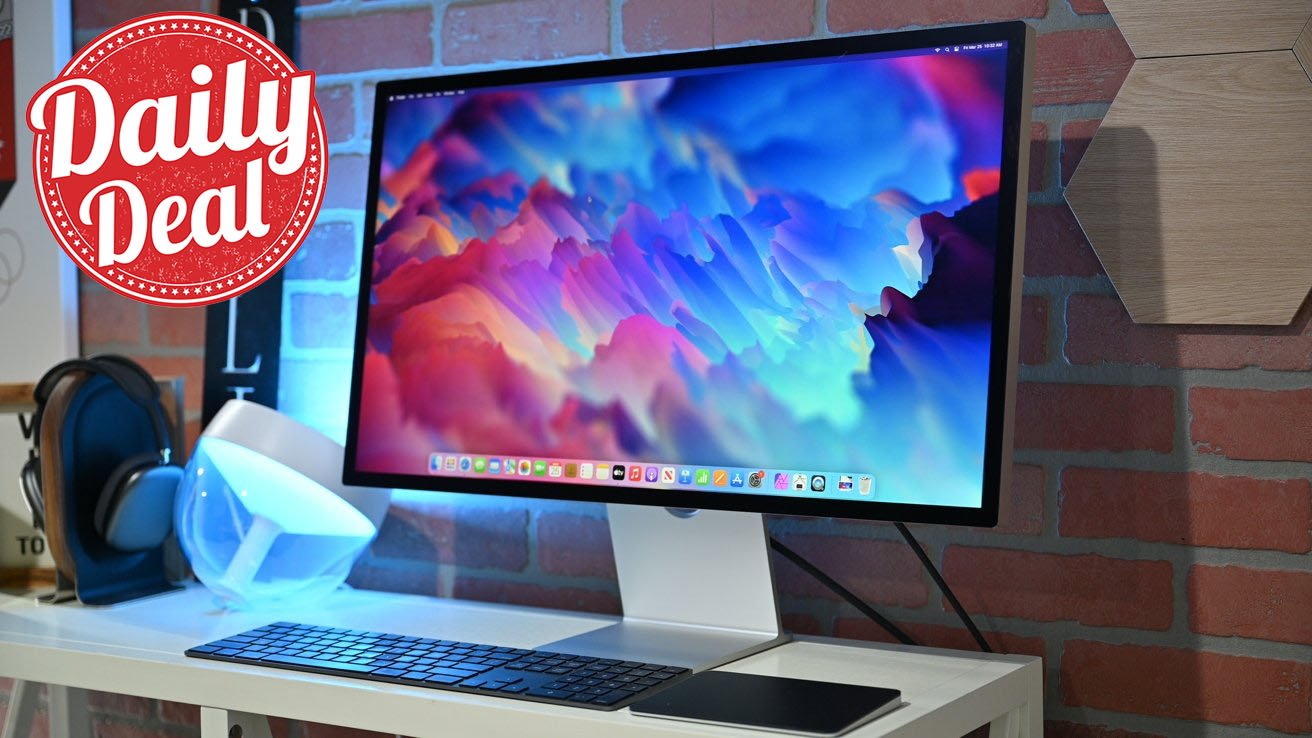
Amazon continues to launch preorder discounts on 2026 hardware, with the Apple Studio Display up to $300 off today.

Modern Apple Studio desktop setup with large colorful monitor, slim keyboard, trackpad, headphones stand, and glowing lamp on white desk against brick wall, with red circular Daily Deal graphic in corner
Save up to $300 on 2026 Apple Studio Display at Amazon.

Both Standard Glass and Nano-texture Glass options are eligible for preorder savings at Amazon today, with the models officially releasing on March 11.

2026 Apple Studio Display deals


Continue Reading on AppleInsider | Discuss on our Forums
MacBook Neo is just the latest in Apple's 35 years of trying to make a budget portable

Since the dawn of Apple laptops 35 years ago with the PowerBook 100, it has tried to make some of them affordable, with mixed results. The MacBook Neo finally delivers on that promise and is an excellent balance between features and cost.

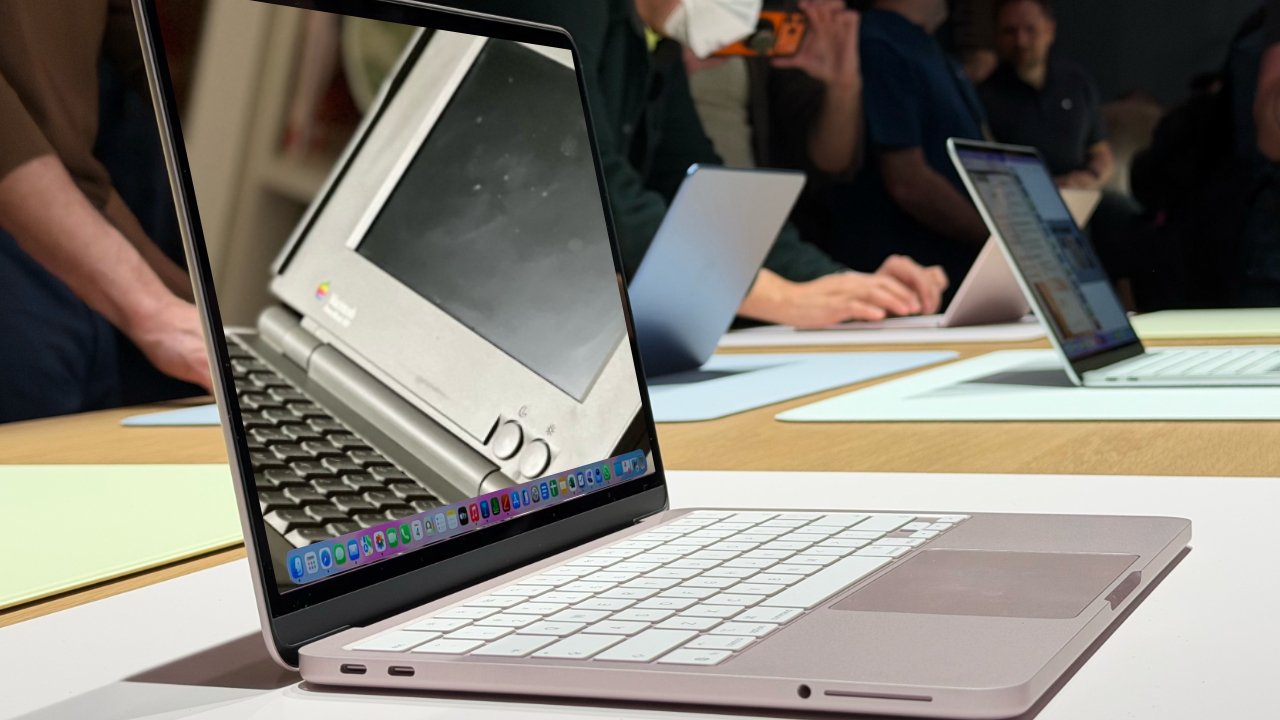
Several thin Apple laptops on a table at a tech event, with the closest screen showing a photo of an old Macintosh notebook while people in the background test other computers
MacBook Neo and (inset) a PowerBook 100

It's true that Apple does not have a reputation for making low budget devices, so the MacBook Neo is a departure. But sometimes it seems as if it's not for want of trying that Apple hasn't previously brought out such a good combination of design and cost in a laptop.

Apple's efforts to make such a device don't date all the way back to its first ever portable, well, luggable, but they come close. In 1989, Apple released the Macintosh Portable, which at 16lbs was as heavy as two current Mac Studios. And that weight doesn't even include the wall wart.


Continue Reading on AppleInsider | Discuss on our Forums
Integrating pet products into the smart home with Jacob Zuppke on Smart Home Insider

On this week's episode of the Smart Home Insider podcast, our guest host Jacob Zuppke joins to discuss integrating pet products into the smart home, as well as more of this week's news.

Smart Home Insider podcast cover with stylized house icon on orange gradient background, overlaid on a blurred modern living room with sofas, staircase, and soft lighting
Smart Home Insider podcast

Jacob Zuppke is the CEO of Whisker, the company that created the most popular automated litter box, the Litter Robot. With his background in SEO and digital marketing, he became a master of all trades to help lead the smart home brand.

We talk a bit about the new Litter Robot 5 Pro, but we also talk about the larger task of integrating smart pet products into ecosystems and the smart home as a whole. Before we get into that, we first talk about the news.


Continue Reading on AppleInsider | Discuss on our Forums

Apple iPad Air review roundup: Faster as expected, but iterative

Early reviews say the Apple iPad Air delivers impressive performance gains with the M4 chip, but that doesn't mean existing users should rush to upgrade.

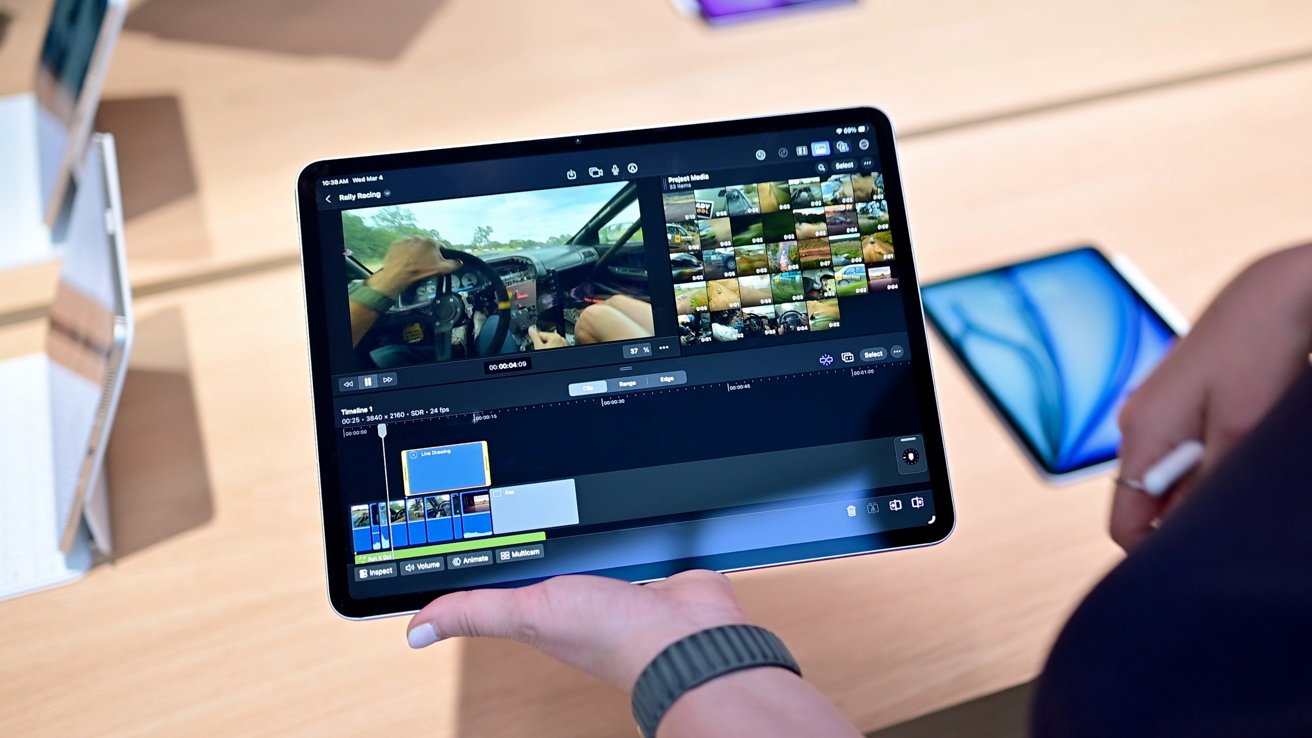
Person holding a tablet on a store counter, editing a racing video with multiple clips and timelines on screen, surrounded by other display devices in the background
M4 iPad Air

Reviews of Apple's M4 iPad Air began appearing Monday after the company lifted its review embargo. Major publications quickly published hands-on testing of the new tablet.

Coverage focuses largely on the addition of Apple's M4 chip and updated wireless hardware. Apple kept the same overall design and Liquid Retina display found on the previous generation.


Continue Reading on AppleInsider | Discuss on our Forums
iPhone 17e review roundup: Cheap, cheerful, and fixes the iPhone 16e's mistakes

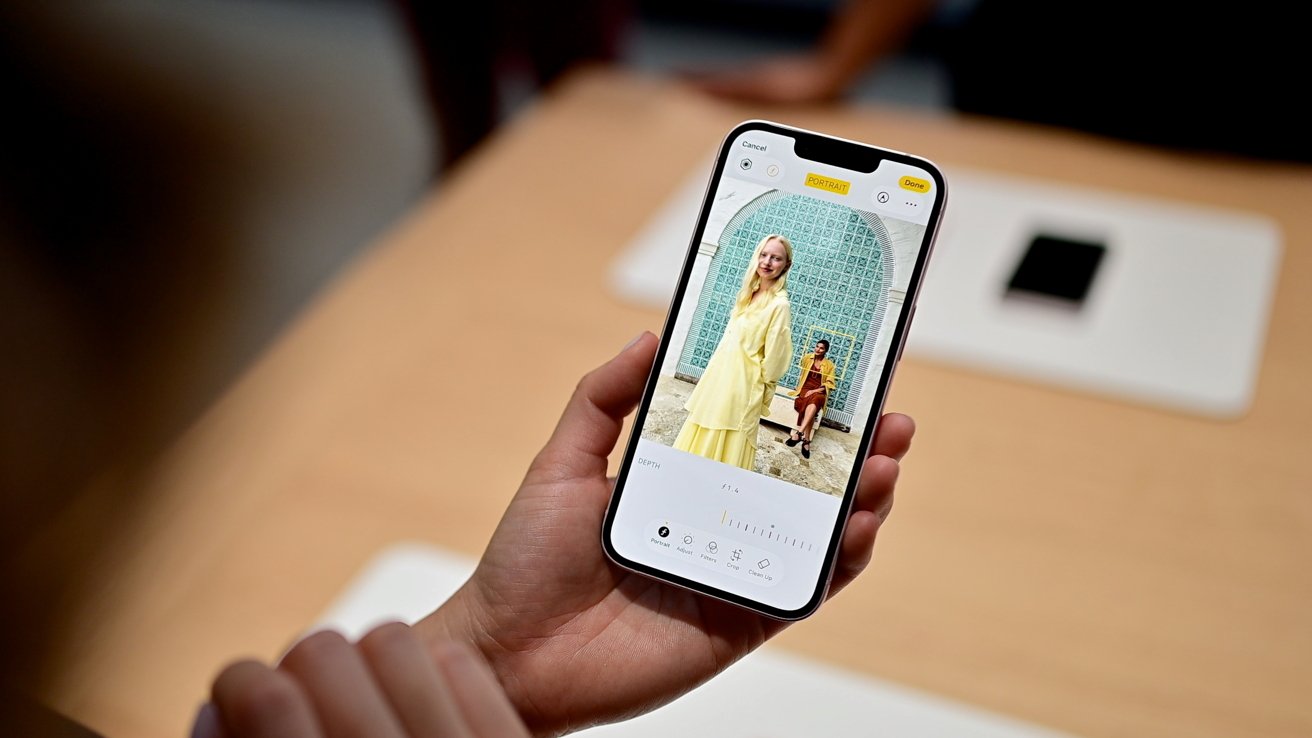
The first wave of iPhone 17e reviews call it an improved budget smartphone, thanks to better performance and MagSafe.

Hand holding a smartphone displaying a portrait photo of two women posing by a decorative tiled arch, with on-screen camera controls and editing options visible at the bottom
iPhone 17e

One week after the launch of the iPhone 17e, the first reviews of the budget iPhone have started to surface. As usual, it's a positive set for Apple's hardware.

The update to the iPhone 16e, the reviewers all pick up on the new model being better than the previous one, packing more processing power and gaining MagSafe charging.


Continue Reading on AppleInsider | Discuss on our Forums
Apple's TikTok ads for the MacBook Neo are the right kind of weird

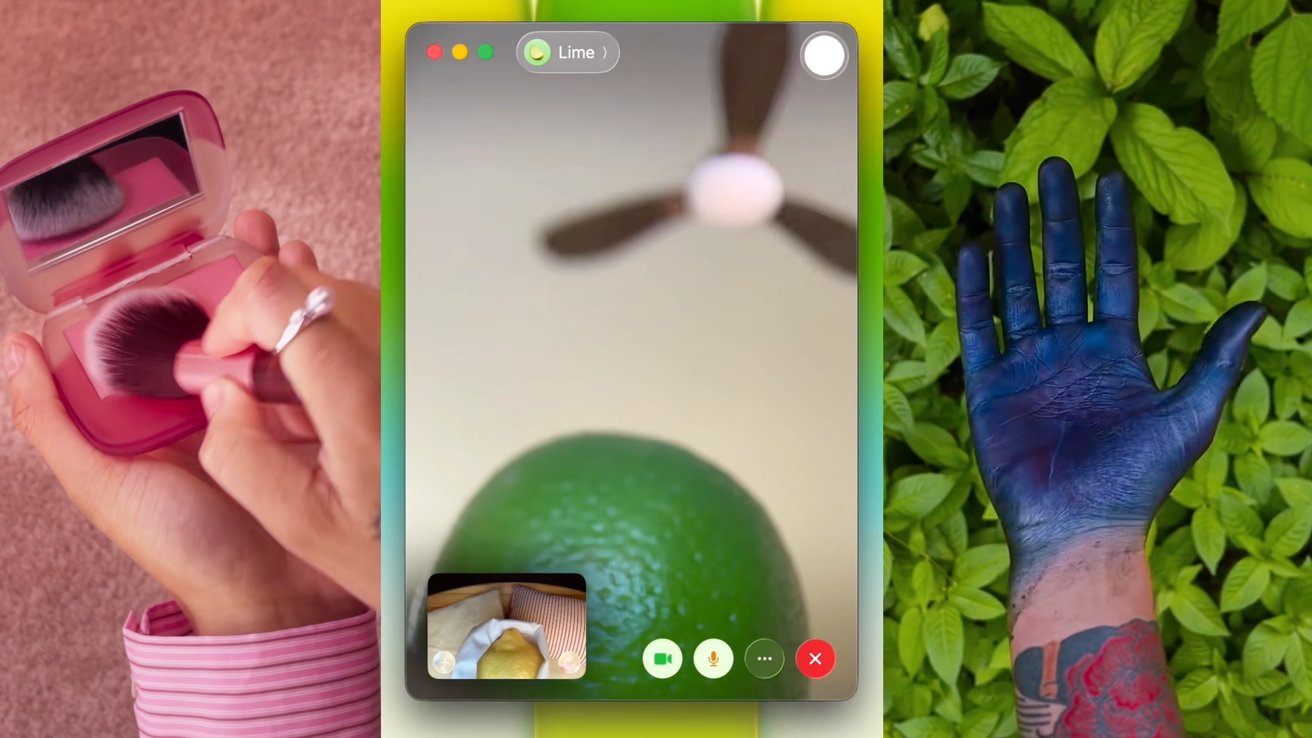
Apple's TikTok ad campaign has gone down the absurdist route to promote the MacBook Neo. It's weird, but it works.

Split scene showing: left, hand brushing pink makeup in compact; center, smartphone video call focused on a lime and ceiling fan; right, tattooed arm with deep blue hand over green leaves
Stills from three Apple TikTok videos promoting the MacBook Neo - Image Credit: Apple

In the attention economy that is modern social media, brands have to be bold with their posts while also marketing their wares. In the case of Apple's latest activity on TikTok, it's a very rare demonstration of a company "getting it."

Apple's introduction of the MacBook Neo is intended to attract a new audience to its hardware line. With a relatively low price point, it's going after consumers that are more sensitive to budgeting than ever before, where they congregate online.


Continue Reading on AppleInsider | Discuss on our Forums
Save up to $100 on Apple's new M4 iPad Air at Amazon

Apple's brand-new M4 iPad Air is already discounted, with Amazon launching preorder deals on both 11-inch and 13-inch models for the weekend.

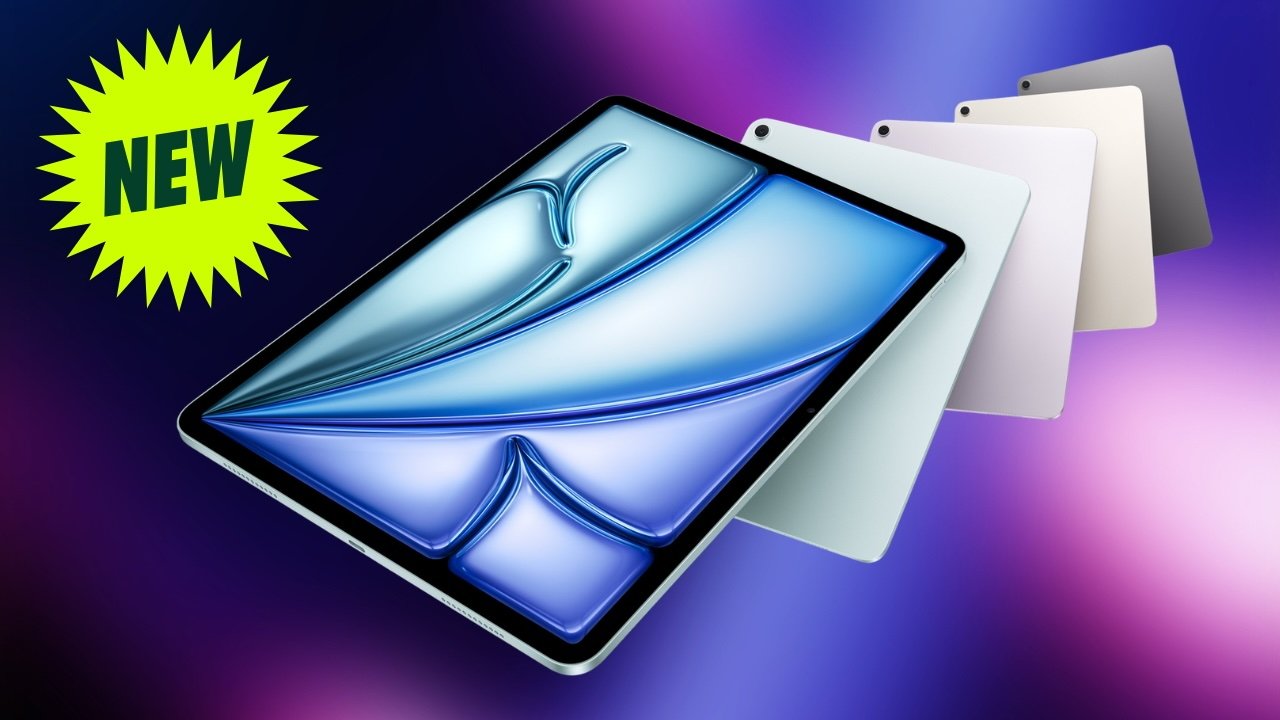
iPad Air M4 tablets with green new badge.
Save up to $100 on iPad Air M4 preorders.

Despite being announced mere days ago, Amazon is already issuing preorder deals on the 2026 iPad Air with M4. Save up to $100 on preorders ahead of the official March 11 release.

Save up to $100 on M4 iPad Air


Continue Reading on AppleInsider | Discuss on our Forums
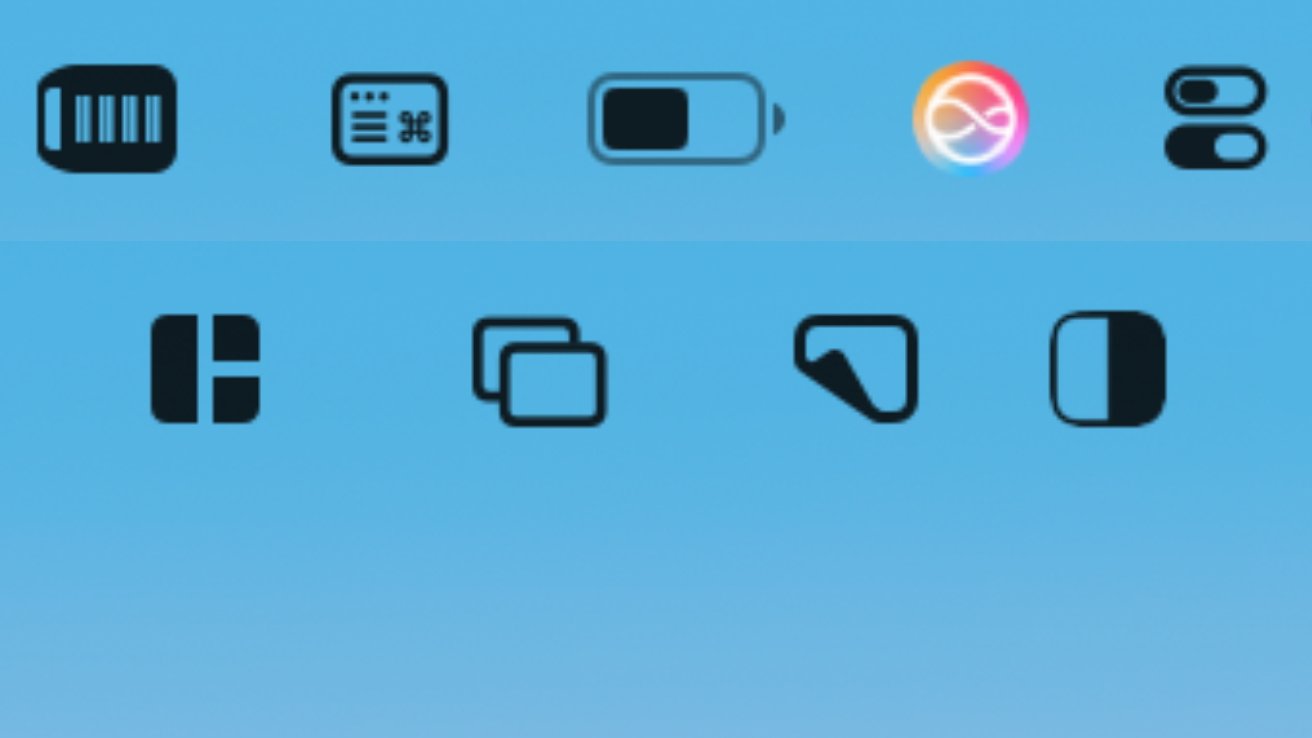
How to configure Control Center on macOS Tahoe

Apps you don't want can clog up your Mac menubar, while ones you do can't be added. Here's how and why to use Control Center to make that menubar work for you, the way you want.

Various black and colorful icons on a light blue background, including a battery, sliders, and grid-like symbols.
If only Apple would let you have two rows of menubar app icons you don't recognze

Especially if you have a MacBook Pro or MacBook Air with a small display β€” and a notch β€” you will have hit problems with menubar apps and controls. Quite apart from some apparently hiding behind that notch, there are others you want but there isn't enough room for them.

Or even on a large display, you might shrug and let any app go in the menubar if it likes. But the result there is a huge number of apps, making it hard to find the one you actually need β€” especially since macOS will keep moving them around.


Continue Reading on AppleInsider | Discuss on our Forums
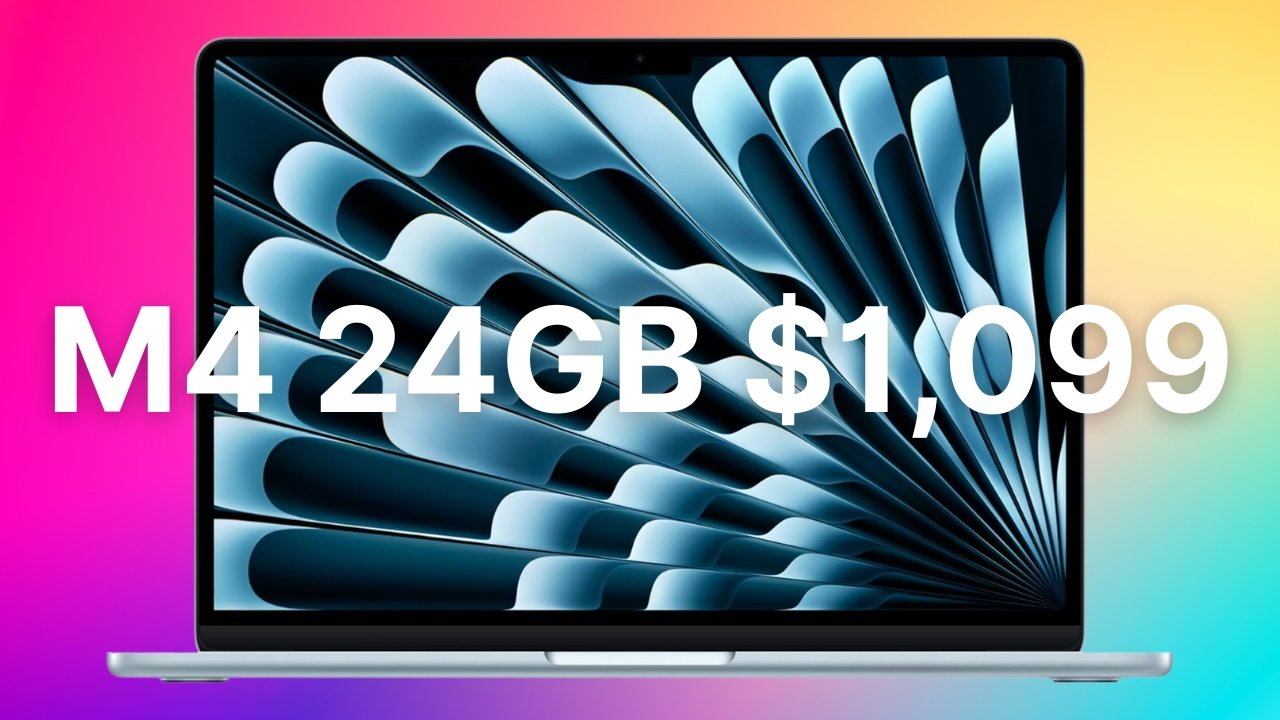
Lowest price ever: M4 MacBook Air with 24GB RAM, 512GB SSD plunges to $1,099

Amazon is making room for M5 MacBook Air inventory by clearing out M4 models, with the 13-inch laptop with 24GB of RAM and 512GB of storage now $300 off.

Open MacBook Air in Sky Blue with colorful abstract screen, large white text over display reading M4 24GB $1,099 against a bright gradient pink, blue, and yellow background
Save $300 on select MacBook Air laptops - Image credit: Apple

With a $100 price increase on the M5 MacBook Air that was announced this week, Amazon's blowout M4 deal is especially enticing at $300 off. Pick up the 13-inch M4 model with 24GB of unified memory and 512GB of storage for just $1,099 in the Sky Blue finish. This configuration comes with the 10-core GPU too, for added performance.

Buy M4/24GB/512GB Air for $1,099


Continue Reading on AppleInsider | Discuss on our Forums
❌